Crashzone

Archive for January, 2010

Mercedes Gullwing

Friday, January 29th, 2010

 Mercedes Gullwing

The new Mercedes-Benz Gullwing is powered by a 6.2-litre AMG V8 engine developing 420kW of power, making it the fastest Mercedes-Benz ever produced for the road. With a $500,000 price tag the first 30 Australians to order will take delivery in July. For the full story please visit drive.com.au

Ford Falcon - front wheel drive

Wednesday, January 27th, 2010

 Ford Falcon

Ford Motor Company’s global chief executive Alan Mulally last week confirmed the next Falcon would end the nameplate’s decades-long run as a model designed and developed exclusively in Australia. It will instead be based on a new global large-car platform, likely to be shared with the US market’s Taurus, currently a front-wheel-drive.  For the full story please visit drive.com.au

Anti hoon laws to crush cars

Monday, January 25th, 2010

 Anti Hoon laws

The proposal from the Victorian government where repeat offenders will have their cars crushed if a driver owns the car and has two previous offences for crimes such as exceeding the speed limit by 45km/h or more, drag racing, burnouts or dangerous driving. for the full story please visit caradvice.com.au

Crashzone - how to create a supplement quote

Thursday, January 21st, 2010

Crashzone create a new supplement quote

Crashzone create a new supplement button

To create a new supplement click on the drop down box in the quote page and select new. This will generate a blank supplement, in this example quote 5002.1

Crashzone supplement items

Write the supplement quote and from the view page you can view the supplement quote and the original quote. When invoicing any supplements will be added to the original quote to give a grand total.

Crashzone supplement qutoe example

Harbourtown Smash Repairs - Labrador repairer

Wednesday, January 20th, 2010

 Harbourtown Smash Repairs

Harbourtown Smash Repairs

1/8 Gibbs St Labrador QLD 4214
Ph: 07 55376188
Fax: 07 55376100
Email: harbourtownsmash@bigpond.com

Harbourtown Smash Repairs map

How to add a 2nd colour in the paint section

Tuesday, January 19th, 2010

 Crashzone 2nd colour on quote

* From the picklist select miscellaneous and then click on “2nd colour”
* This will add a new line to the quote “2nd colour”
* Add your 2nd colour items to the quote
* fill in the 2nd colour rate in the rate box
* Add the hour figure for the paint item

Crashzone 2nd colour rate shown on quote

* On the viewed quote the rate for the 2nd colour is shown in the description.

If you have any questions or need help with adding a 2nd colour please contact support@crashzone.com.au

Crashzone - how to add images to the quote

Monday, January 18th, 2010

Crashzone - adding images to the quote

Adding images to your quote is done by email

* Open a new email
* Type in you Crashzone email address
* Type the Crashzone quote number into the subject i.e ( 5013 )
* Attach images to the email
* Send email
* Images will now attach to the quote  ( the process takes approx 1 minute )
* Click on the details tab to refresh the system and load the new images

Crashzone - images on details page

NSW state wide 90km/h speed limit

Friday, January 15th, 2010

 90 km/h speed limit

NSW NRMA’s regional director Graham Blight recently told the media that the RTA’s hidden agenda is to drop the state-wide speed limit to 90km/h. The RTA said the lower limit was a benefit to all road users. For the full story please visit caradvice.com.au

Digital camera image size

Wednesday, January 13th, 2010

Crashzone image size setting on digital camera

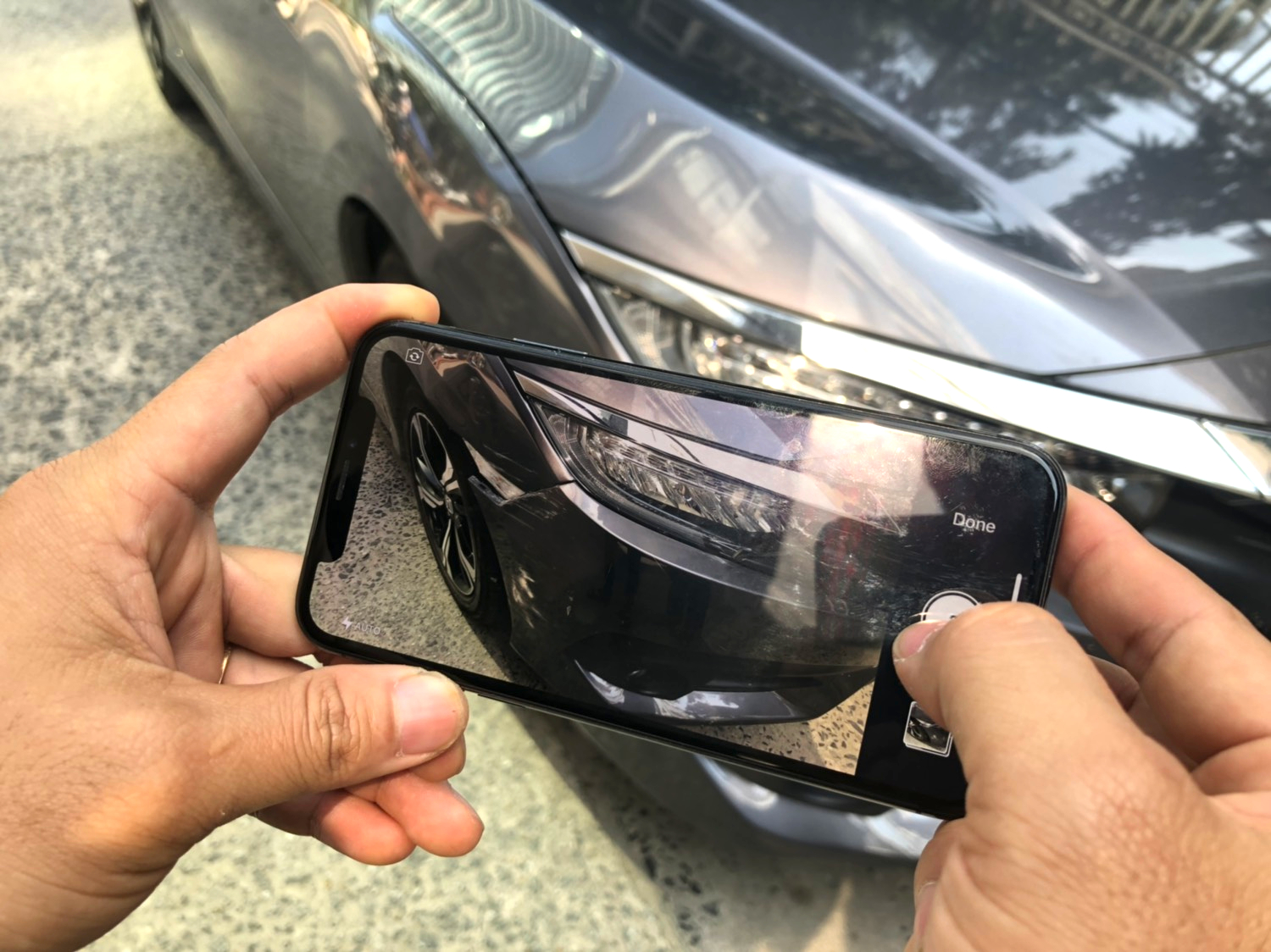
With most digital point-and-shoot cameras, you can actually choose a lower resolution than the camera’s advertised maximum, which is where it’s set when you take it out of the box. You do this by entering the shooting menu and selecting the “Image Size” or “Resolution” option. When you do that, you’ll see a series of number pairs such as these:

* 3648 x 2736 or 10 megapixel ( 1.1 MB to 2.2 MB approx)
* 3264 x 2448 or 8 megapixel ( 970 KB to 1.9 MB approx )
* 2048 x 1536  or 3.1 megapixel ( 500 KB to 1 MB approx )
* 1600 x 1200 or 1.9 megapixel ( 250 KB to 700KB approx )
* 1280 x 960 or 1.2 megapixel ( 240 KB to 490 KB approx )
* 1024 x 768 or 0.8 megapixel ( 170 KB to 350 KB approx )
* 640 x 480 or VGA ( 75 KB to 150 KB approx )   - ORM, PNET, ARNIE setting

Setting a lower resolution level creates a smaller-sized picture file. When you adjust the resolution downward, you’ll see the little number on the viewing screen and/or LCD panel that tells you how many more pictures you can fit on the card go up and up. Set 640 x 480, and you’ll be able to fit hundreds if not thousands of pictures on a decent-sized memory card.

When emailing images a lower/lowest setting on your camera is always best this will allow you send  images quickly and make it easier for your customer to download and store the images you send to them.

For more information or help with setting up your camera please contact support@crashzone.com.au or phone 1300 721 090

Fake Police combat NSW speeding

Tuesday, January 12th, 2010

NSW Police Car

Five decommissioned highway patrol cars have been used by New South Wales police to try to encourage good driving behaviour. A police spokeswoman said members of the Southern Region Highway Patrol thought “instead of keeping them in a car park before they get sold we’ll put them on the side of the road [so they can] act as a deterrent”. For the full story please visit drive.com.au